The Ultimate IPTV Live Sports Streaming Guide: 4K, 60 FPS, Low Latency & Zero Buffering
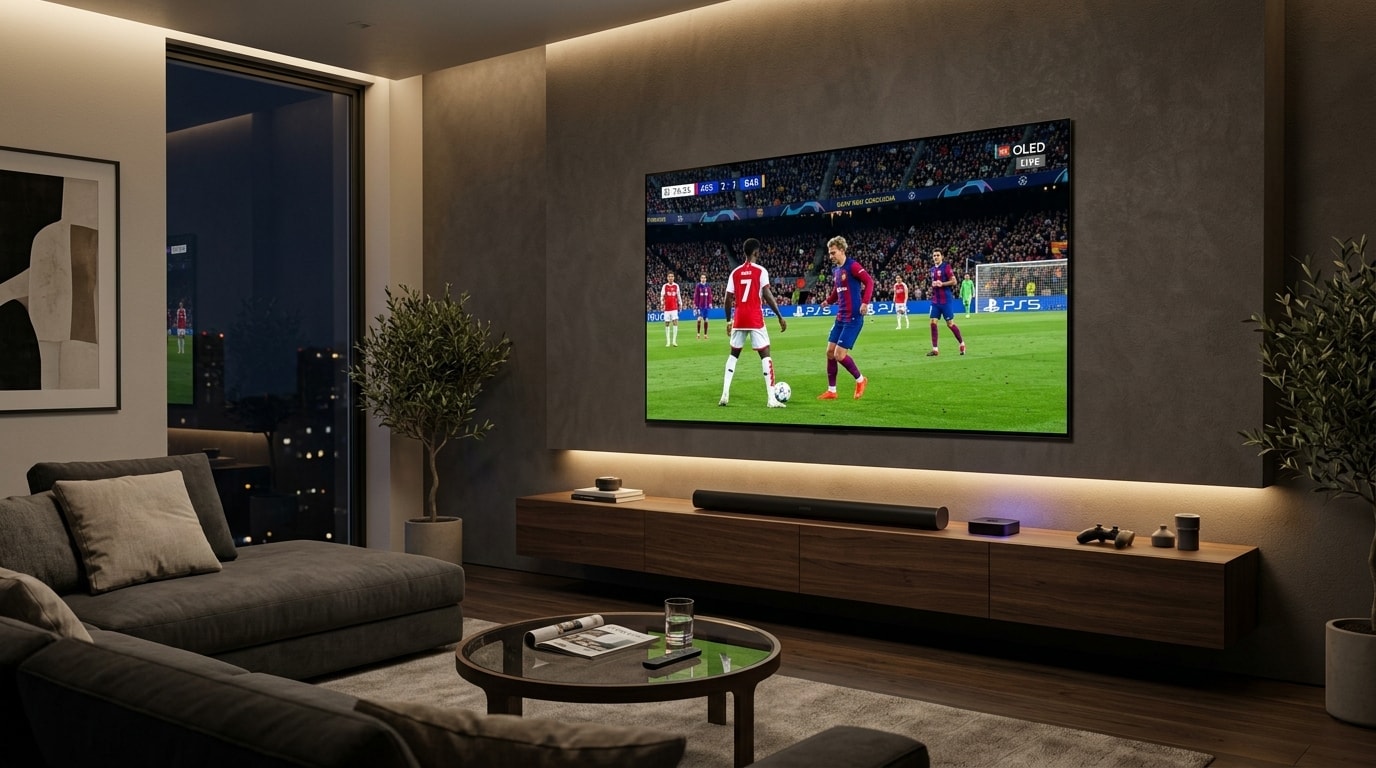
Live sports broadcasting represents the ultimate stress test for digital video transmission. When you stream an on-demand movie or pre-recorded drama, the video playback engine enjoys the luxury of extensive background buffering. Media players can quietly cache thirty to ninety seconds of video packets ahead of your current playback position, smoothing out intermittent network drops, transit packet jitter, and server routing fluctuations without the viewer ever noticing.
Live sports streaming affords no such luxury. Every penalty kick in football, buzzer-beating three-pointer in basketball, contested red-zone pass in American football, and 200 mph corner apex in Formula 1 happens live in real time.
The transmission demands locked broadcast frame rates, zero packet loss, accurate multi-channel stadium sound, and sub-second transmission pipelines.
Nothing produces greater frustration for a sports fan than seeing their screen freeze on a rotating buffering spinner during injury time, or hearing cheers from neighbors down the street while their delayed stream remains thirty seconds behind stadium reality.
+----------------------------------------------------------------------------------------------------+
|                                THE LIVE SPORTS TRANSMISSION CRUCIBLE                               |
+----------------------------------------------------------------------------------------------------+
| Live Stadium Event  --> 60 FPS Uplink  --> Transcode Cluster --> Edge CDN Node --> End-User Device|
| [Real-Time Action]      [Uncompressed]     [Low-Latency HEVC]    [Local Cache]     [Hardware Decode]|
|                                                                                                    |
| Key Challenges:                                                                                    |
|  * Sub-second latency requirements (eliminating neighbor spoiler delay)                            |
|  * Sustained 50/60 FPS video playback without dropped frames or micro-stutter                      |
|  * Rapid motion panning across high-frequency grass, turf, and confetti detail                     |
|  * Multi-channel 5.1 arena audio synchronization without dialog drift                              |
+----------------------------------------------------------------------------------------------------+
Achieving broadcast-grade sports streaming requires a cohesive, end-to-end technical strategy. Budget TV dongles operating over congested residential Wi-Fi on uncalibrated television screens will inevitably drop frames and buffer during peak viewer demand.
A pristine 4K 60 FPS sports environment relies on five critical technical layers working in complete harmony:
- An Enterprise Broadcast Infrastructure: Carrier-grade downlinks, dedicated high-bitrate encoding profiles, and intelligent load-balanced edge servers such as the OREXETV Anti-Freeze 10.0 platform.
- High-Performance Playback Hardware: Dedicated silicon equipped with hardware video decoders capable of continuous 60 FPS rendering without thermal throttling.
- Optimized Media Player Configuration: Software supporting Auto Frame Rate (AFR) matching, short playback buffer thresholds, and hardware decoding acceleration.
- Low-Latency Network Architecture: Direct wired Ethernet connections, MoCA coaxial bridges, and intelligent router Quality of Service (QoS) to eliminate bufferbloat.
- Calibrated Display Processing: Precision television display settings configured to eliminate unnatural motion interpolation artifacts and maintain authentic arena color accuracy.
This comprehensive technical guide details every step required to build, configure, and troubleshoot the ultimate sports streaming setup in 2026.
Experience OREXETV
Upgrade your streaming with high-performance, anti-freeze 10.0 infrastructure. Over 50,000 live channels, 4K 60FPS sports, and 200,000+ VODs.
Quick Summary: The Five Foundational Rules of Sports IPTV
Before examining hardware architectures and network topologies in depth, memorize these five core operational rules:
+---------------------------------------------------------------------------------------------+
|                         THE 5 FOUNDATIONAL RULES OF SPORTS STREAMING                        |
+---------------------------------------------------------------------------------------------+
| 1. The 60 FPS Mandate          | Never stream sports at 30 FPS. High-velocity ball tracking |
|                                | and camera panning require a native 50 or 60 frames/sec.   |
| 2. Hardwired Network Priority  | Residential Wi-Fi introduces packet jitter. Hardwire every |
|                                | sports screen via Cat6 Ethernet or MoCA 2.5 coaxial links. |
| 3. Auto Frame Rate (AFR) Sync  | Match your screen refresh rate directly to the broadcast:  |
|                                | 50Hz for European football, 60Hz for US sports leagues.    |
| 4. Minimal Playback Buffering  | Restrict player buffer sizes to 1.0–2.0 seconds to minimize|
|                                | stream latency and prevent live-score spoiler alerts.      |
| 5. Disable Motion Smoothing    | Deactivate artificial TV motion interpolation to eliminate |
|                                | ball ghosting, halo distortion, and screen tearing.        |
+---------------------------------------------------------------------------------------------+
The Technical Anatomy of Live Sports Video: Why Sports Differ from Cinema
Understanding why generic video players struggle with live sports requires examining the underlying digital video engineering. Sports broadcasts place radically higher demands on decoders, encoders, and displays than conventional Hollywood movies.
+---------------------------------------------------------------------------------------------------+
| FEATURE COMPARISON: CINEMATIC CONTENT VS. LIVE SPORTS BROADCASTS                                  |
+--------------------------+-----------------------------------+------------------------------------+
| Parameter                | Cinematic Movies & TV Dramas      | Live Sports Broadcasts             |
+--------------------------+-----------------------------------+------------------------------------+
| Temporal Frame Rate      | 24 FPS (23.976 frames/second)     | 50 FPS (Europe) / 60 FPS (Americas)|
| Motion Predictability    | Slow, scripted camera tracks      | Chaotic, rapid multi-axis pans     |
| P-Frame / B-Frame Load   | Highly compressible backgrounds   | Continuous whole-frame changes     |
| Permissible Buffer Depth | 30 to 90 seconds in memory        | 1.0 to 3.0 seconds maximum         |
| Bitrate Volatility       | Predictable averages              | Massive spikes during motion       |
| Interlacing Heritage     | Progressive (1080p / 2160p)       | Historically Interlaced (1080i50)  |
+--------------------------+-----------------------------------+------------------------------------+
1. Temporal Resolution: The 24 FPS vs. 60 FPS Reality
Hollywood films are mastered at 24 frames per second (23.976 Hz). This frame rate introduces natural optical motion blur that our visual cortex interprets as cinematic. However, sports broadcasts feature objects moving across the visual field at extreme velocities:
- A football struck from outside the box travels over 70 miles per hour.
- An ice hockey puck travels across the rink at speeds exceeding 100 miles per hour.
- A tennis serve or baseball fastball crosses camera zones in less than 400 milliseconds.
- A Formula 1 race car sweeps across a track curve at over 200 miles per hour.
When high-velocity action is captured at 30 frames per second, the physical distance traveled by the ball or vehicle between consecutive frames is too large. The viewer perceives this gap as stuttering or judder, and the ball appears to strobe or jump across the grass rather than gliding smoothly.
At 60 frames per second (or 50 frames per second for European standards), a new image is presented to the retina every 16.6 milliseconds (20.0 milliseconds at 50Hz). This high temporal frequency produces silky, fluid motion that allows the eye to effortlessly track high-speed plays across the pitch.
2. Spatial Complexity: The Grass, Turf, and Confetti Encoding Challenge
Modern video codecs like H.264 (AVC) and H.265 (HEVC) compress video by dividing each frame into blocks of pixels (macroblocks or coding tree units). When the background remains relatively static—such as two actors conversing in an office—the compression algorithm saves massive amounts of data by reusing background pixels from previous frames (temporal redundancy).
In live sports, spatial complexity is exceptionally high:
- Soccer pitches and golf fairways consist of millions of distinct, contrasting blades of grass.
- When an arena camera rapidly pans to follow a counterattack, every single blade of grass moves simultaneously across the screen.
- Stadium crowd faces, arena LED banners, and victory confetti showers force the video encoder to redraw nearly 100% of the screen data on every frame.
If an IPTV provider compresses their stream with insufficient bitrate or underpowered transcoders, the compression engine fails during rapid camera pans. The grass dissolves into blurry pixelation, blocking artifacts, and digital noise.
Only providers utilizing pristine source satellite downlinks with high-bitrate HEVC encoding profiles maintain sharp turf textures and clear player jerseys during intense action.
The Hardware Tier List: Best Streaming Devices for Sports Enthusiasts
Hardware capabilities determine whether your streaming setup renders high-bitrate sports cleanly or succumbs to dropped frames, thermal throttling, and UI lag.
+-----------------------------------------------------------------------------------------------+
|                       2026 SPORTS STREAMING HARDWARE TIER HIERARCHY                           |
+-----------------------------------------------------------------------------------------------+
| [TIER 1: FLAGSHIP BROADCAST GRADE]                                                            |
|  * Apple TV 4K (3rd Gen, A15 Bionic, 128GB Gigabit Ethernet)                                  |
|  * Nvidia Shield TV Pro (Tegra X1+, Gigabit Ethernet, AI Upscaling)                           |
|  Performance: Locked 60 FPS, zero dropped frames, instant channel zapping, Gigabit Ethernet.  |
|                                                                                               |
| [TIER 2: DEDICATED IPTV SET-TOP BOXES]                                                        |
|  * Formuler Z11 Pro Max (Realtek RTD1319C, MYTVOnline 3 engine)                               |
|  * BuzzTV X5 Series (Amlogic S905X4, Dual-Band Wi-Fi 6, Gigabit LAN)                          |
|  Performance: Built-in hardware PVR, advanced recording, dedicated sports guide interfaces.   |
|                                                                                               |
| [TIER 3: VALUE PERFORMANCE DONGLES]                                                           |
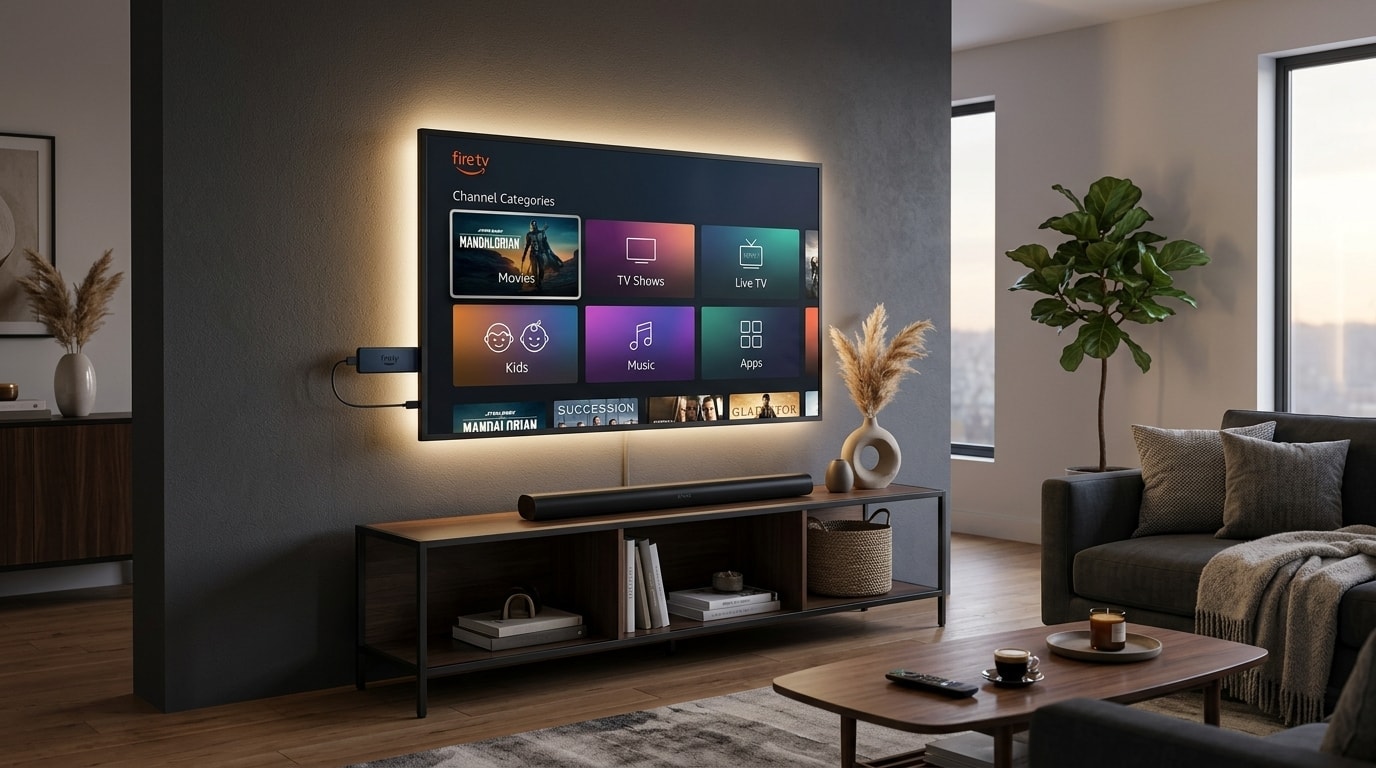
|  * Amazon Fire TV Stick 4K Max (2nd Gen, MediaTek MT8696T, Wi-Fi 6E)                          |
|  * Google Chromecast with Google TV 4K                                                        |
|  Performance: Smooth 4K 60 FPS decoding, but prone to thermal throttling over prolonged use.  |
|                                                                                               |
| [TIER 4: NOT RECOMMENDED FOR SERIOUS SPORTS]                                                  |
|  * Built-in Budget TV Operating Systems (webOS, Tizen, Vidaa on entry-level models)           |
|  * Fire TV Stick Lite / Non-4K Firesticks / Generic Android TV USB sticks                     |
|  Weaknesses: High input lag, low RAM, aggressive background throttling, dropped frames.       |
+-----------------------------------------------------------------------------------------------+
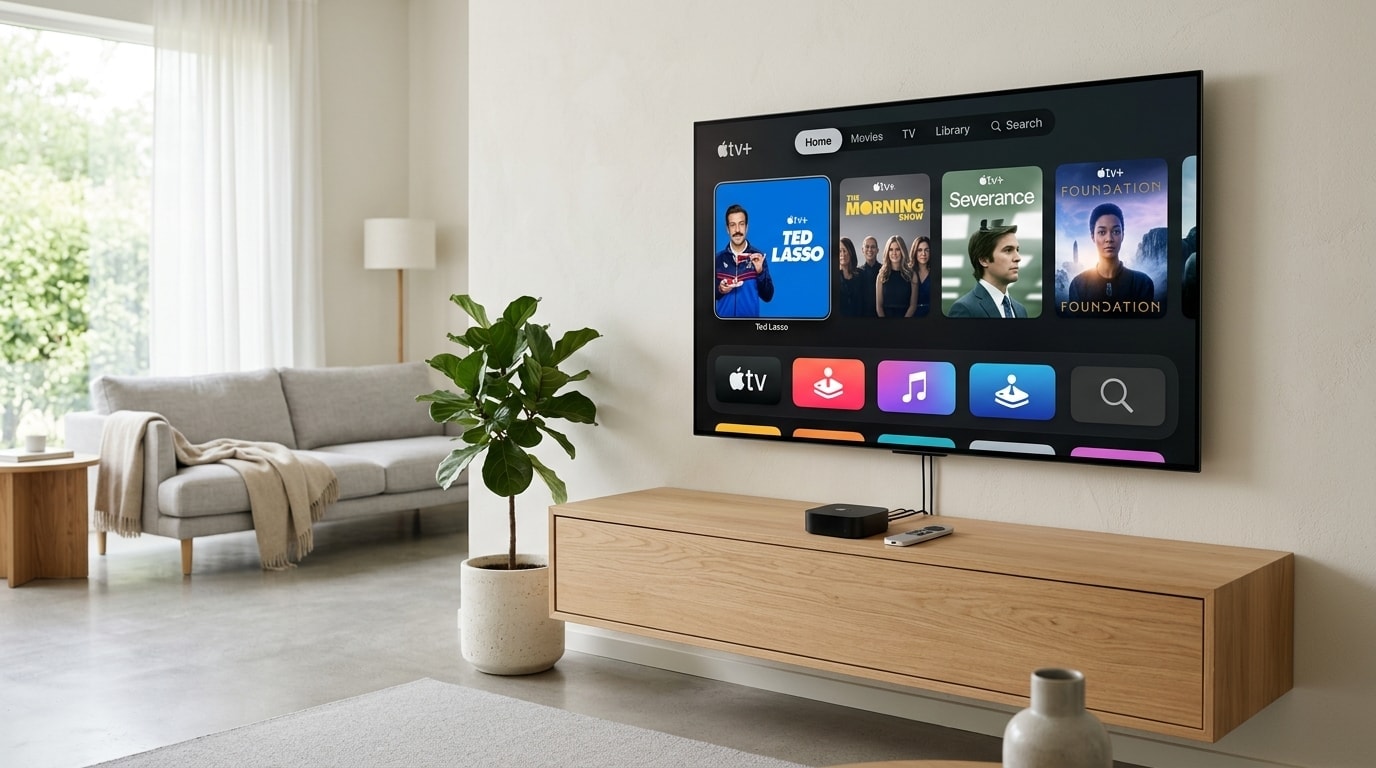
1. Apple TV 4K (3rd Generation, 128GB Ethernet Model) — The Motion Smoothness King
For absolute motion fluidness, rapid navigation, and rock-solid stability, the 3rd-generation Apple TV 4K equipped with the A15 Bionic chip stands unmatched.
- Hardware Advantage: The A15 Bionic features six CPU cores and five GPU cores with unified memory bandwidth exceeding 30 GB/s. This computational power decodes complex 4K 60 FPS HEVC and AV1 streams with virtually zero CPU utilization.
- System-Level Auto Frame Rate: tvOS features the industry's cleanest native frame-rate matching implementation. When enabled, the Apple TV communicates directly with your television via HDMI 2.1 to switch the screen's refresh rate to precisely 50.00Hz, 59.94Hz, or 60.00Hz without audio pitch distortion.
- Gigabit Hardware: The 128GB version includes an RJ-45 Gigabit Ethernet port, ensuring zero network jitter.
- Recommended Player Apps: Snappier IPTV, IPTVX, UHF, and iPlayTV.
2. Nvidia Shield TV Pro — The Android TV Powerhouse
The Nvidia Shield TV Pro remains a perennial favorite among home theater enthusiasts who require advanced audio passthrough and raw customization.
- Hardware Advantage: Powered by the Tegra X1+ processor and 3GB of RAM, the Shield Pro excels at handling complex IPTV playlists containing tens of thousands of channels without interface slowdown.
- AI-Enhanced Upscaling: The Shield Pro's onboard neural network analyzes incoming 720p and 1080p 60 FPS sports broadcasts in real time, sharpening player jersey numbers and ball edges without adding ringing artifacts.
- Full Android Customization: Allows sideloading of custom utility apps, network monitors, and external storage for DVR recording.
- Recommended Player Apps: TiviMate IPTV Player, Sparkle TV, and OTT Navigator.
3. Formuler Z11 Pro Max — The Dedicated IPTV Machine
Unlike general-purpose streaming boxes designed primarily for Netflix and Disney+, the Formuler Z11 Pro Max is engineered specifically for IPTV protocols.
- Hardware Advantage: Powered by the Realtek RTD1319C SoC with Mali-G57 graphics and 4GB of DDR4 RAM.
- MYTVOnline 3 (MOL3): Formuler's proprietary client software integrates multi-provider playlists, continuous Electronic Program Guide (EPG) caching, and seamless background recording onto external network shares (NAS) or USB 3.0 drives.
- Advanced Picture-in-Picture: Displays two live 4K sports games simultaneously on a single screen without video stuttering.
4. Amazon Fire TV Stick 4K Max (2nd Gen) — The Best Value Contender
For sports fans on a budget, the 2nd-generation Fire TV Stick 4K Max offers the best price-to-performance ratio in the streaming stick category.
- Hardware Advantage: Powered by a 2.0 GHz quad-core processor with 2GB of RAM and Wi-Fi 6E support.
- Considerations: While powerful enough to decode 4K 60 FPS feeds, streaming sticks have minimal heat dissipation surfaces. To avoid thermal throttling during four-hour sports marathons, always utilize the included HDMI extender cable to keep the stick away from the hot rear panel of your television.
- Setup Guide: Follow our detailed Firestick Installation & Optimization Blueprint.
Software Configuration: Tuning Your Media Player for Live Feeds
Even the most powerful hardware will stutter if your IPTV media player software is improperly configured. Below are the precise settings required in top players like TiviMate, Sparkle TV, and Snappier.
+-------------------------------------------------------------------------------------------------+
|                       PLAYER OPTIMIZATION SETTINGS FOR LIVE SPORTS                              |
+--------------------------+-----------------------+----------------------------------------------+
| Setting Parameter        | Recommended Value     | Technical Purpose                            |
+--------------------------+-----------------------+----------------------------------------------+
| Video Decoder            | Hardware (MediaCodec) | Offloads rendering to GPU; prevents CPU drop |
| Auto Frame Rate (AFR)    | Enabled               | Synchronizes display Hz to broadcast FPS     |
| AFR Switching Delay      | 0 ms to 500 ms        | Prevents black screen lag during zapping     |
| Playback Buffer Size     | Very Small / 1.5 Sec  | Reduces live delay; stops neighbor spoilers  |
| Audio Passthrough        | Auto / Passthrough    | Bitstreams 5.1 Dolby to AV receiver/soundbar |
| Stream Transport Format  | MPEG-TS               | Lowest packet overhead for live sports feeds |
| EPG Update Interval      | Every 24 Hours        | Prevents background disk write during games  |
+--------------------------+-----------------------+----------------------------------------------+
1. Activating Auto Frame Rate (AFR) Matching
Auto Frame Rate matching is the single most important setting for eliminating motion judder in sports broadcasts.
- The Problem: Most streaming devices default to a fixed 60Hz output. However, European football (Premier League, UEFA Champions League, La Liga) is broadcast at 50 FPS (50Hz). When a 50 FPS stream is displayed on a 60Hz screen without AFR, the player must duplicate every fifth frame (3:2 pulldown). This produces visible micro-stutters every second during camera pans.
- The Solution: In your player settings (e.g., TiviMate $ ightarrow$ Settings $ ightarrow$ Playback $ ightarrow$ Auto Frame Rate), switch AFR to ON. When you tune into Sky Sports UK (50 FPS), your TV will automatically sync to 50Hz. When you switch to an American NFL feed on CBS (59.94 FPS), your screen will smoothly switch to 60Hz.
2. Calibrating Playback Buffer Size for Real-Time Accuracy
Media players allow users to adjust how many seconds of video data are stored in RAM before playback begins.
- The Pitfall of Large Buffers: Many users mistakenly set their buffer to "Large" (10–15 seconds) thinking it will stop buffering. While this absorbs minor Wi-Fi drops, it places your stream 15 to 30 seconds behind real-time stadium play. You will receive smartphone goal notifications before seeing the play occur on your screen.
- The Ideal Buffer for Sports: If you are connected to a high-speed OREXETV subscription over hardwired Ethernet, configure your player's buffer to Very Small (0.5 to 1.5 seconds) or Normal (2.0 seconds). This keeps your feed as close to real-time broadcast television as physically possible.
3. Stream Transport: MPEG-TS vs. HLS (.m3u8)
When adding your playlist credentials via Xtream Codes API, players often prompt you to choose an output format:
- MPEG-TS (.ts): The traditional broadcast transport stream format. It features minimal packet container overhead and instantaneous tuning speeds, making it the superior choice for live sports zapping.
- HLS (.m3u8): HTTP Live Streaming breaks video into discrete 2-to-6-second chunks. While resilient on unstable mobile connections, HLS introduces inherent transmission delay. Always select MPEG-TS for live sports viewing.
Building the Zero-Buffering Home Network Topology
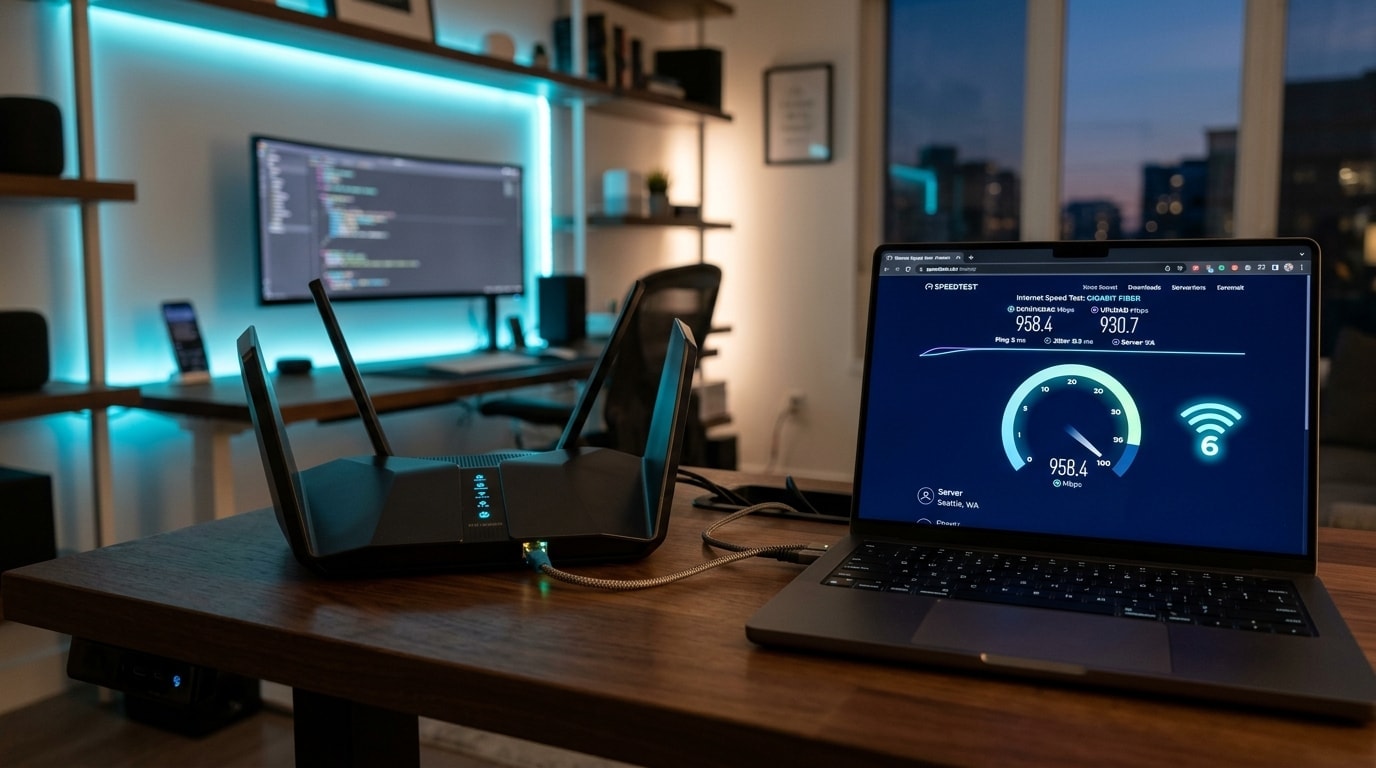
Your home local area network (LAN) represents the physical highway over which every video frame travels. Packet loss of just 0.5% will cause audio dropouts and macroblocking on live 60 FPS feeds.
+----------------------------------------------------------------------------------------------------+
|                             OPTIMAL HOME NETWORK TOPOLOGY FOR SPORTS                               |
+----------------------------------------------------------------------------------------------------+
|                                                                                                    |
|    [ Fiber / Cable Modem ]                                                                         |
|               |                                                                                    |
|    [ Gigabit Router with SQM QoS ] <--- Eliminates Bufferbloat during household gaming/downloads   |
|               |                                                                                    |
|       +-------+-------+                                                                            |
|       |               |                                                                            |
|   (Cat6 LAN)      (MoCA 2.5)                                                                       |
|       |               |                                                                            |
|   [Living Room    [Bedroom                                                                         |
|    Apple TV 4K]    Shield Pro]                                                                     |
|       |               |                                                                            |
|   [OLED TV]       [4K TV]                                                                          |
|                                                                                                    |
| Avoid: Connecting primary sports screens over congested 2.4 GHz Wi-Fi.                             |
+----------------------------------------------------------------------------------------------------+
1. Hardwire Every Television with Cat6 Ethernet
Wi-Fi is a shared, half-duplex medium subject to radio frequency interference from neighboring networks, microwave ovens, baby monitors, and Bluetooth devices. Even when an internet speed test reports 300 Mbps, Wi-Fi latency fluctuates constantly.
A momentary 200ms latency spike (jitter) will cause a live sports player buffer to drain completely, forcing the video to freeze.
- Run dedicated Cat6 Ethernet cabling from your primary router directly to your streaming box.
- Ethernet operates in full-duplex mode with zero radio interference and sub-millisecond local latency.
2. The MoCA 2.5 Coaxial Breakthrough: For Homes Without Ethernet
If your home lacks pre-wired Ethernet wall jacks and running new cables through walls is impractical, MoCA 2.5 (Multimedia over Coax Alliance) adapters provide an exceptional alternative.
- MoCA adapters convert your home's existing coaxial cable television wiring into high-speed 2.5 Gbps Ethernet backhauls.
- You plug one MoCA adapter into your router and a coax outlet in your office, and a second adapter into a coax outlet behind your living room TV.
- MoCA delivers 2,500 Mbps of real-world throughput with under 3 milliseconds of ping, matching pure Cat6 Ethernet performance.
3. Eliminate Bufferbloat with Router Quality of Service (QoS)
Bufferbloat occurs when other members of your household perform bandwidth-heavy tasks (such as downloading a large PlayStation game update or uploading cloud backups) while you are watching live sports.
Your router's memory queues fill up with download packets, causing ping times to spike from 15ms to over 300ms.
- The Fix: Access your router's administration interface and enable Quality of Service (QoS), preferably running Smart Queue Management (SQM) algorithms such as CAKE or fq_codel.
- Assign your streaming set-top box top-tier network priority or allocate a dedicated minimum bandwidth guarantee of 50 Mbps. This guarantees that background file downloads never steal packets from your live sports feed.
- For detailed bandwidth calculations, explore our Internet Speed Requirements for IPTV Guide.
Television Display Calibration: Optimizing OLED and QLED for Sports
Many viewers spend thousands of dollars on flagship 4K OLED or Mini-LED televisions, only to leave them in the factory "Vivid" or "Store Demo" display modes. These preset modes aggressively degrade sports broadcasts by introducing artificial digital processing.
+--------------------------------------------------------------------------------------------------+
|                     SPORTS DISPLAY CALIBRATION CHEATSHEET (OLED & QLED)                          |
+----------------------------+-----------------------------+---------------------------------------+
| Setting                    | Recommended Value           | Technical Reason                      |
+----------------------------+-----------------------------+---------------------------------------+
| Picture Mode               | Filmmaker / Cinema / Custom | Disables artificial edge sharpening   |
| Motion Interpolation       | OFF (or De-Judder 0 / Blur 2)| Prevents ball tearing & soap opera UI |
| Color Temperature          | Warm 2 / Warm 50            | Matches D65 industry broadcast white  |
| Sharpness                  | 0% to 10% maximum           | Stops white halo outlines around balls|
| Dynamic Contrast           | OFF                         | Prevents fluctuating turf brightness  |
| Noise Reduction (DNR)      | OFF                         | Stops smear artifacts on fast grass   |
| Peak Brightness            | High                        | Maximizes stadium floodlight punch    |
| HDMI Black Level           | Auto (or Low for Limited)   | Prevents washed out shadow levels     |
+----------------------------+-----------------------------+---------------------------------------+
1. Turn Off Motion Interpolation ("The Soap Opera Effect")
Television manufacturers market motion interpolation under trade names such as TruMotion (LG), Motionflow (Sony), Auto Motion Plus (Samsung), and Smooth Motion (Hisense).
These systems use internal processors to analyze incoming frames and artificially calculate fake intermediate frames to simulate higher refresh rates.
- Why It Ruins Sports: When a high-contrast object like a white soccer ball or black puck moves rapidly across a complex background, the television's motion processor cannot calculate the trajectory fast enough.
- The result is severe digital artifacting: the ball appears to sprout a ghostly translucent halo, flashes intermittently, or tears in half.
- The Fix: Turn Motion Interpolation completely OFF. If your stream is delivered at a genuine 50 or 60 FPS, the broadcast already contains all necessary motion information. Your TV does not need to invent fake frames.
2. Calibrate Color Temperature and Sharpness
Factory picture presets push color temperatures past 9,000K, creating an icy-blue image that distorts arena floodlights and makes grass look neon green.
- Set Color Temperature to Warm 2 (or Warm 50 on Sony/Samsung). This aligns the screen with the broadcast industry's D65 white point standard (6,500 Kelvin), producing authentic green turf, realistic skin tones, and accurate jersey colors.
- Reduce Sharpness to 0 or 10%. Artificial edge enhancement adds distracting white halo outlines around players and ball silhouettes, degrading fine broadcast detail.
Stadium Sound Immersion: Dolby Digital 5.1 Multi-Channel Audio
True sports immersion involves more than sharp video; stadium acoustics provide half of the emotional intensity. The thunder of 80,000 supporters singing in an arena, the crack of a bat, and the screech of tires across rumble strips require precise acoustic reproduction.
+----------------------------------------------------------------------------------------------------+
|                               5.1 SURROUND SOUND ACOUSTIC MATRIX                                   |
+----------------------------------------------------------------------------------------------------+
|                                                                                                    |
|               [Left Front]         [Center Channel]         [Right Front]                          |
|             (Arena Acoustics)     (Commentary Dialog)     (Arena Acoustics)                        |
|                                                                                                    |
|                                      [Subwoofer]                                                   |
|                                    (Low-End Thuds)                                                 |
|                                                                                                    |
|               [Surround Left]                            [Surround Right]                          |
|             (Crowd Chants / Drums)                     (Crowd Chants / Drums)                      |
|                                                                                                    |
+----------------------------------------------------------------------------------------------------+
Audio Configuration Checklist:
- Center Channel Priority: The center speaker handles 100% of commentator dialog. In your AV receiver or soundbar settings, elevate the center channel level by +2.0 dB to +3.0 dB. This ensures commentary remains intelligible over deafening stadium noise.
- Surround Channel Ambience: The surround speakers deliver stadium chants and arena reverberation. Ensure your IPTV player audio output is configured to Bitstream (Passthrough) rather than PCM stereo conversion, allowing your audio hardware to decode the native 5.1 Dolby Digital track.
- Dynamic Range Compression: Set Dynamic Range Compression (DRC) or "Night Mode" to OFF during daytime games to experience the full visceral punch of stadium bass.
Sport-by-Sport Technical Configuration Matrix
Different athletic events exhibit distinct visual characteristics that benefit from tailored player and display adjustments:
+----------------------------------------------------------------------------------------------------+
|                         SPORT-SPECIFIC TECHNICAL PROFILES CHEATSHEET                               |
+---------------------+-------------+-------------+--------------------+-----------------------------+
| Sport Category      | Native FPS  | Target Res  | Dominant Motion    | Critical Technical Setting  |
+---------------------+-------------+-------------+--------------------+-----------------------------+
| European Football   | 50 FPS      | 4K / 1080p  | Lateral panning    | Force 50Hz AFR; 0 Sharpness |
| American Football   | 60 FPS      | 4K / 1080p  | Vertical passes    | 60Hz AFR; 1.5s Short Buffer |
| Basketball (NBA)    | 60 FPS      | 1080p 60fps | Fast transitions   | OLED High Peak Luminance    |
| Formula 1 & Racing  | 50/60 FPS   | 4K UHD      | Extreme velocities | Bitstream 5.1; High Bitrate |
| Ice Hockey (NHL)    | 60 FPS      | 1080p 60fps | High-contrast puck | BFI (Black Frame Insertion) |
| Tennis & Golf       | 50/60 FPS   | 4K UHD      | Small ball tracking| Turn OFF all Noise Reduction|
+---------------------+-------------+-------------+--------------------+-----------------------------+
1. European Football (Premier League, Champions League, La Liga)
- Broadcast Standard: 1080p50 or 2160p50 HDR.
- Key Challenge: Sustained lateral camera sweeps across contrasting green grass.
- Configuration: Ensure your player forces 50.00Hz output. Running European soccer at 60Hz produces a distinct judder every five seconds that causes eye fatigue over 90 minutes.
2. American Football (NFL & College Football)
- Broadcast Standard: 1080p60 or 720p60 upscale.
- Key Challenge: Tracking high-arc deep passes against bright sky backgrounds, accompanied by complex on-screen graphical score bugs and statistical overlays.
- Configuration: Keep the playback buffer under 2 seconds. NFL feeds have rapid viral social media presence; a short buffer prevents friends on messaging apps from spoiling turnovers before you see them.
3. Formula 1 & Motorsports
- Broadcast Standard: 2160p50 UHD with wide color gamut (BT.2020).
- Key Challenge: Kerb vibrations, cockpit camera perspective switches, and high-pitch engine frequencies.
- Configuration: Activate high peak luminance on your display and ensure audio passthrough is uncompressed to hear individual turbo whistles and downshift pops.
The "Game Day Checklist": 10 Steps to Execute 30 Minutes Before Kickoff
To ensure an uninterrupted viewing experience during major championship matches or pay-per-view events, execute this diagnostic checklist before the pre-game show begins:
+-----------------------------------------------------------------------------------------------+
|                             PRE-GAME TECHNICAL READINESS CHECKLIST                            |
+-----------------------------------------------------------------------------------------------+
| [ ] Step 1: Power-cycle your streaming box and home network router.                           |
| [ ] Step 2: Run an internet speed test on your streaming device; verify ping is under 25ms.   |
| [ ] Step 3: Verify Cat6 Ethernet cable is securely clicked into the RJ-45 jack.               |
| [ ] Step 4: Confirm Auto Frame Rate (AFR) is toggled ON in player settings.                   |
| [ ] Step 5: Check player buffer size; ensure it is set between 1.5 and 2.0 seconds.           |
| [ ] Step 6: Verify audio output is set to Passthrough for 5.1 surround sound.                 |
| [ ] Step 7: Clear player application cache to free internal RAM.                               |
| [ ] Step 8: Update your Electronic Program Guide (EPG) to populate current game schedules.    |
| [ ] Step 9: Disable automatic background app downloads on your TV operating system.           |
| [ ] Step 10: Identify your backup stream: locate alternative home/away broadcast feeds.       |
+-----------------------------------------------------------------------------------------------+
Troubleshooting Live Sports Streaming Glitches
When an issue arises during a critical match, use this rapid-fire troubleshooting matrix to restore optimal playback within sixty seconds:
1. The Stream Freezes or Stutters Repeatedly
- Root Cause: Local network packet loss, Wi-Fi channel congestion, or an unoptimized player buffer.
- Action:
- Toggle player buffer from "Very Small" to "Small" (2.0 seconds).
- If using Wi-Fi, immediately disconnect and plug in a wired Cat6 cable.
- If your ISP is throttling streaming bandwidth during peak match hours, connect through a trusted VPN endpoint or switch to an alternate OREXETV channel feed.
2. Picture Looks Blurry or Artifacted During Rapid Motion
- Root Cause: The stream bitrate has dropped, or television digital noise reduction is smearing high-frequency grass details.
- Action:
- Access TV settings and verify MPEG Noise Reduction and Dynamic Contrast are completely OFF.
- Check if your player is rendering via Software decoding instead of Hardware decoding; force Hardware (MediaCodec) in settings.
3. Screen Goes Pitch Black While Sound Continues
- Root Cause: Video decoder crash, HDCP handshake failure, or unsupported 10-bit HEVC color profile.
- Action:
- Switch video decoder from Hardware to Hardware+ (or VLC engine).
- Follow our definitive troubleshooting guide: How to Fix IPTV Black Screen with Sound.
Frequently Asked Questions
Final Recommendation: Build Your Ultimate Sports Command Center
Achieving broadcast-grade sports streaming requires intentional hardware and network configuration:
- Source Excellence: Subscribe to an established, anti-freeze streaming service like OREXETV featuring native 60 FPS feeds across global sports networks.
- Flagship Hardware: Invest in an Apple TV 4K or Nvidia Shield Pro rather than relying on sluggish built-in smart TV apps.
- Hardwired Reliability: Connect your device via Cat6 Ethernet or MoCA 2.5 to eliminate packet jitter.
- Frame Rate Synchronization: Enable Auto Frame Rate (AFR) matching to banish motion judder forever.
- Display Purity: Disable artificial motion smoothing to enjoy authentic stadium action.
Once these five layers are configured, your home entertainment center will deliver stadium-grade immersion that outclasses traditional cable television at a fraction of the monthly cost.